Hands-on networking labs turn theory into job-ready skills. See how lab exercises build troubleshooting confidence for CCNA and real IT roles.
Last Updated: November 7, 2026
Quick Summary
Hands-on networking labs matter because they turn routing and switching concepts into muscle memory you can actually perform on real devices. In networking labs you see how packets move, make mistakes without breaking a live network, and practice the same tasks employers assign.
- Start with IP addressing and subnetting, since everything later depends on subnetting.
- Begin with a virtual lab for the first few weeks because resets are instant and mistakes cost nothing.
- Isolate lab devices on their own switch or VLAN and never bridge a lab router to your home LAN.
- Troubleshoot in order: check physical and Layer 2 first, then addressing, path, and policy last.
- Track time to isolate, first-try accuracy, and documentation quality to measure real skill gains.
Table of Contents
- Why Hands-On Networking Labs Matter More Than Theory Alone
- Networking Lab Exercises for Beginners: A Step-by-Step Progression
- Home Networking Lab Setup: Virtual, Cloud, and Physical Equipment Compared
- Network Troubleshooting Practice: Building Fault Isolation Skills Safely
- Frequently Asked Questions
Why Hands-On Networking Labs Matter More Than Theory Alone
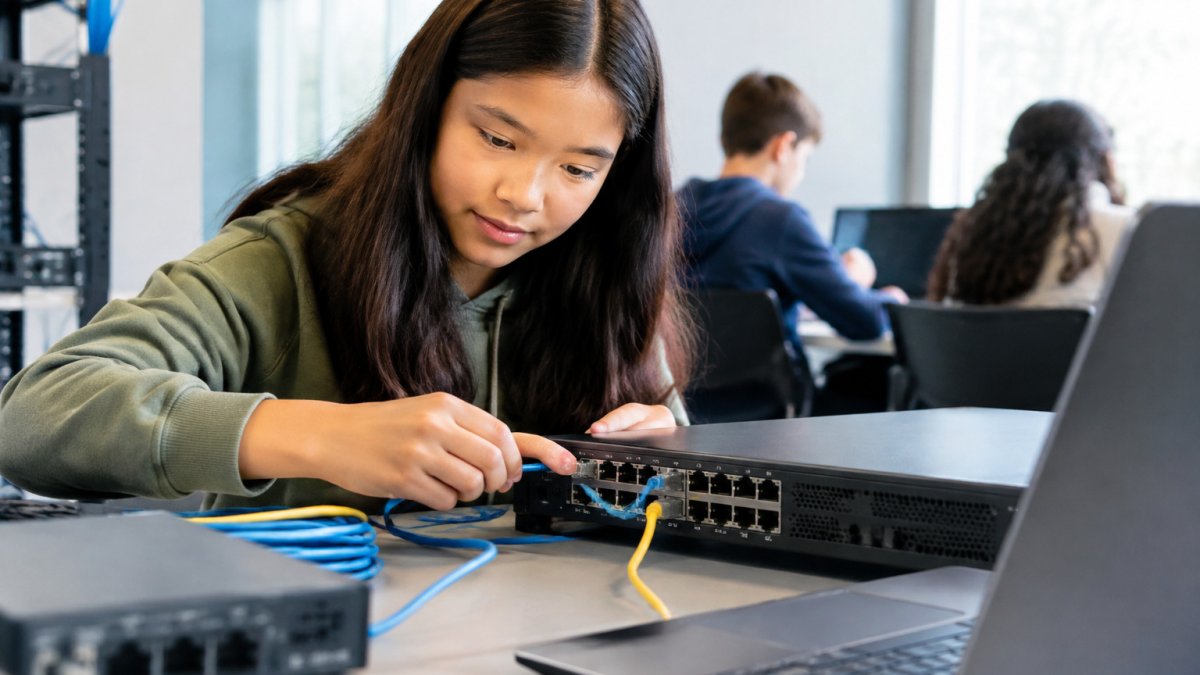
Reading about routing and switching feels productive until you sit at a real device and freeze. Hands on networking labs close that gap by turning concepts into muscle memory.
- You see how packets actually move.
- You make mistakes without breaking a live network.
- You practice the same tasks employers assign.
- You remember what you configure.
Cisco Networking Academy on hands-on learning
Networking Lab Exercises for Beginners: A Step-by-Step Progression
Start with IP addressing, then subnetting, then VLANs, then routing protocols. Don't skip subnetting, everything later depends on it.
- Week 1: IP addressing and subnetting drills
- Week 2: Two switches, one VLAN, one cable
- Week 3: Static routes between two routers
- Week 4: Break a link, then fix it
To run these drills on your own schedule, self-paced learning lets you practice when it fits.
Home Networking Lab Setup: Virtual, Cloud, and Physical Equipment Compared
Most beginners stall here because they treat the lab environment as a shopping decision. It is really a design decision: the right setup depends on what you want to practice, your space, and how badly a broken experiment would disrupt your household network.
Setup | Typical Cost Profile | Realism | Setup Effort | Best For | Watch Out |
|---|---|---|---|---|---|
Virtual (simulator or hypervisor) | Free to low, one-time or no license | Medium, device behavior is emulated or virtualized | Low; snapshots reset in seconds | Beginners drilling subnetting, VLANs, static routes | No cable handling, no hardware quirks, some advanced features behave differently |
Cloud (rented remote gear or hosted lab pods) | Recurring subscription | High, often real hardware or production-grade images | Low on your side, but shared scheduling | Learners without spare hardware or reliable local power | Shared access windows, session time limits, less physical access |
Physical (used routers, switches, patch cables) | Higher upfront, resale value holds | Highest, real fans, real cables, real boot times | Medium to high; cabling, power, space, noise | Job-ready skills, cable tracing, hardware troubleshooting | Space, noise, heat, and the temptation to plug into your live home network |
Start virtual for the first few weeks because resets are instant and mistakes cost nothing. Add a small physical setup once VLAN and routing commands feel automatic, so your attention shifts to cables, link lights, and console access.
Safe Lab Design and Network Isolation
A lab sharing a subnet with your home router can hand out duplicate addresses, flood your household with broadcast traffic, or lock you out of your own gateway.
- Segment the lab. Put lab devices on their own switch or isolated VLAN, and never bridge a lab router's LAN interface to your home LAN.
- Disable or contain DHCP. Run a lab DHCP scope only inside the isolated segment.
- Snapshot before you break things. Virtual environments reset in seconds; on physical gear, save configurations to a text file before each exercise.
- Keep a rollback plan. Know the reload step that returns a device to a known-good state before you change anything.
Watch out: plugging a lab switch into a live wall jack can create a loop or a rogue DHCP server on the home network, so isolate first and connect to the internet only through a dedicated lab router if you need updates. Keeping the lab isolated also makes it easier to see how complex network troubleshooting depends on tracing interactions across devices rather than relying on remote access alone.
Low-Cost and Low-Hardware Alternatives
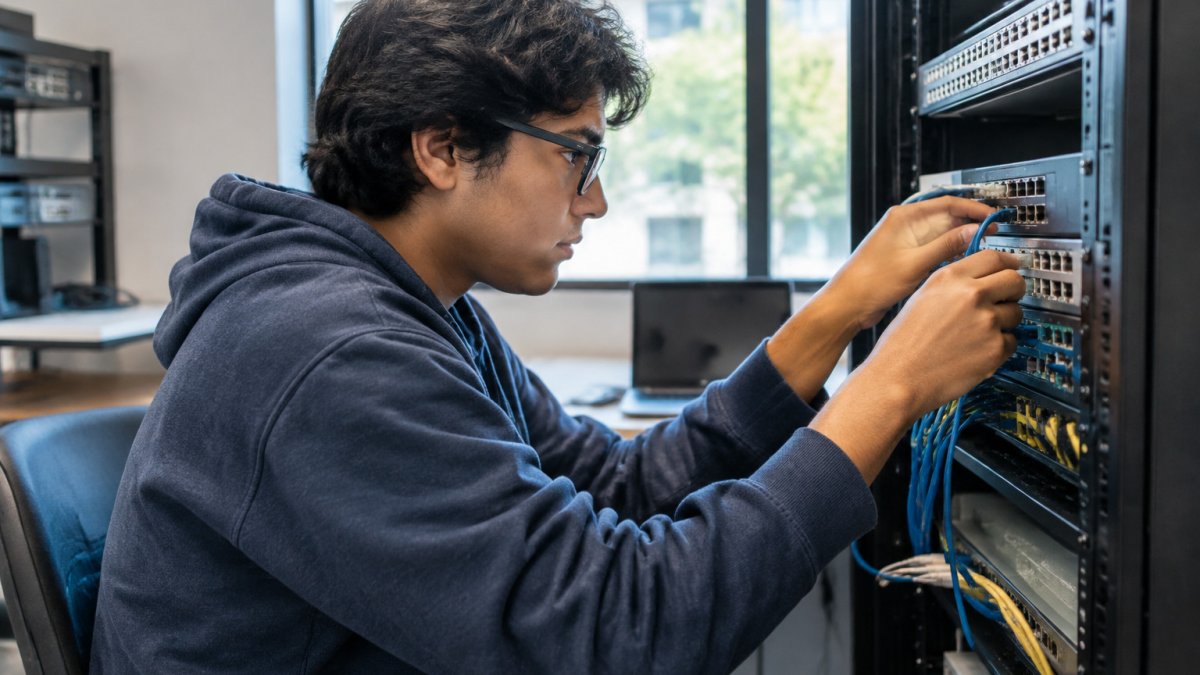
You do not need a rack to start. Learners without spare hardware can use a simulator on an ordinary laptop or a structured training program. Choose the environment that removes the most friction from daily practice, then upgrade once the basics are automatic.
If you would rather skip building your own rack, experience the job in a guided, real-equipment setting.
Network Troubleshooting Practice: Building Fault Isolation Skills Safely
Troubleshooting is a process, not a guess. The method below turns fault isolation into a repeatable drill with observable outcomes.
A Structured Diagnostic Workflow
- Confirm the scope. Is the fault on one host, one VLAN, one link, or the whole path? Ping from multiple points before changing anything.
- Check physical and Layer 2 first. Link lights, cable seating, interface status, VLAN assignment, and trunk allowed lists. Many "routing problems" are VLAN or cabling problems.
- Verify addressing. Confirm IP, mask, and gateway on the host and router interface. A wrong mask looks like a routing failure.
- Trace the path. Use
tracerouteand routing table checks to find where the path stops matching expectations. - Check policy last. ACLs, NAT, and firewall rules sit on top of a working path; testing them first wastes time.
- Document the symptom, the hypothesis, and the fix. That documentation is the skill employers pay for.
Realistic Fault Scenarios to Practice
Set these up on purpose, one at a time, and time yourself from symptom to confirmed fix:
- Duplicate IP address. Two hosts claim the same address; one works intermittently. Find it with ARP tables and interface logs.
- VLAN mismatch on a trunk. A missing allowed VLAN makes one subnet disappear across a link. Read
show interfaces trunkoutput. - Asymmetric routing. Traffic leaves one path and returns another, breaking stateful inspection. Trace both directions.
- Network loop and broadcast storm. A redundant link without spanning tree protection floods the segment. Identify the loop and recover without taking down the lab.
Two are worth dedicated study: a network loop and broadcast storm and a site-to-site VPN that drops. Both teach disciplined isolation because the symptom rarely points at the cause.
Measuring Whether Your Skills Are Improving
Track observable outcomes instead of relying on a feeling of progress:
- Time to isolate. How long from first symptom to confirmed root cause, per scenario.
- First-try accuracy. Did your first hypothesis match the actual fault?
- Configuration accuracy. How many commands did you need to correct after applying a fix?
- Documentation quality. Could another learner reproduce your fix from your notes alone?
- Recovery time. How quickly did you return the lab to a known-good state?
Watch out: practicing only faults you already know builds false confidence, so rotate in scenarios where the symptom is ambiguous and the root cause sits two layers below where it appears.
Ready to practice on real gear with a mentor beside you? Book a free strategy call and we will map your next step.
Theory gets you talking about networks. Labs get you hired to run them. If you are stuck between reading and doing, we can help.
Frequently Asked Questions
Why are hands-on networking labs important for learning networking?
Reading about routing protocols and subnetting builds familiarity, but networking labs force you to apply that knowledge to real configurations. When you type commands into a command-line interface and watch connectivity succeed or fail, you retain the skill far longer than passive study allows. Labs also surface the small details that theory skips, like interface states, VLAN assignments, and IP addressing mistakes. That active learning loop is what turns concepts into job-ready technical skills employers actually test in interviews.
Can you learn networking without hands-on practice?
You can memorize terminology and pass some written exams, but you will struggle when asked to configure a switch or isolate a network outage. Hands-on practice is where theory and practice meet. Without it, troubleshooting becomes guesswork because you have never seen a real error message or traced a failed route. Most job readiness comes from repetition in a safe environment where configuration errors cost nothing. Build lab time into your study plan from the first week, not after the exam.
Do networking labs help with CCNA preparation?
Yes. CCNA hands-on labs reinforce the exact skills the exam tests: routing, switching, IP addressing, subnetting, VLANs, and connectivity verification. Practicing these tasks in a lab builds the speed and confidence you need under exam conditions. It also prepares you for the performance-based questions that ask you to interpret output and fix misconfigurations. Pair lab work with structured certification preparation so each topic you study gets a matching exercise you can repeat until it feels routine.